Manage
Manage is where you change what your WPSD device is doing right now: pause a mode, link to a reflector, add a talkgroup, send a page. Radio settings decide how the WPSD device starts; Manage changes things for now, without touching them.
The managers on the left depend on what you use: each appears once its mode or network is switched on in Radio. They’re grouped as Modes, Links, DMR talkgroups and Paging. Each shows what’s happening Now, the controls to change it, and a Recent list of what was done.
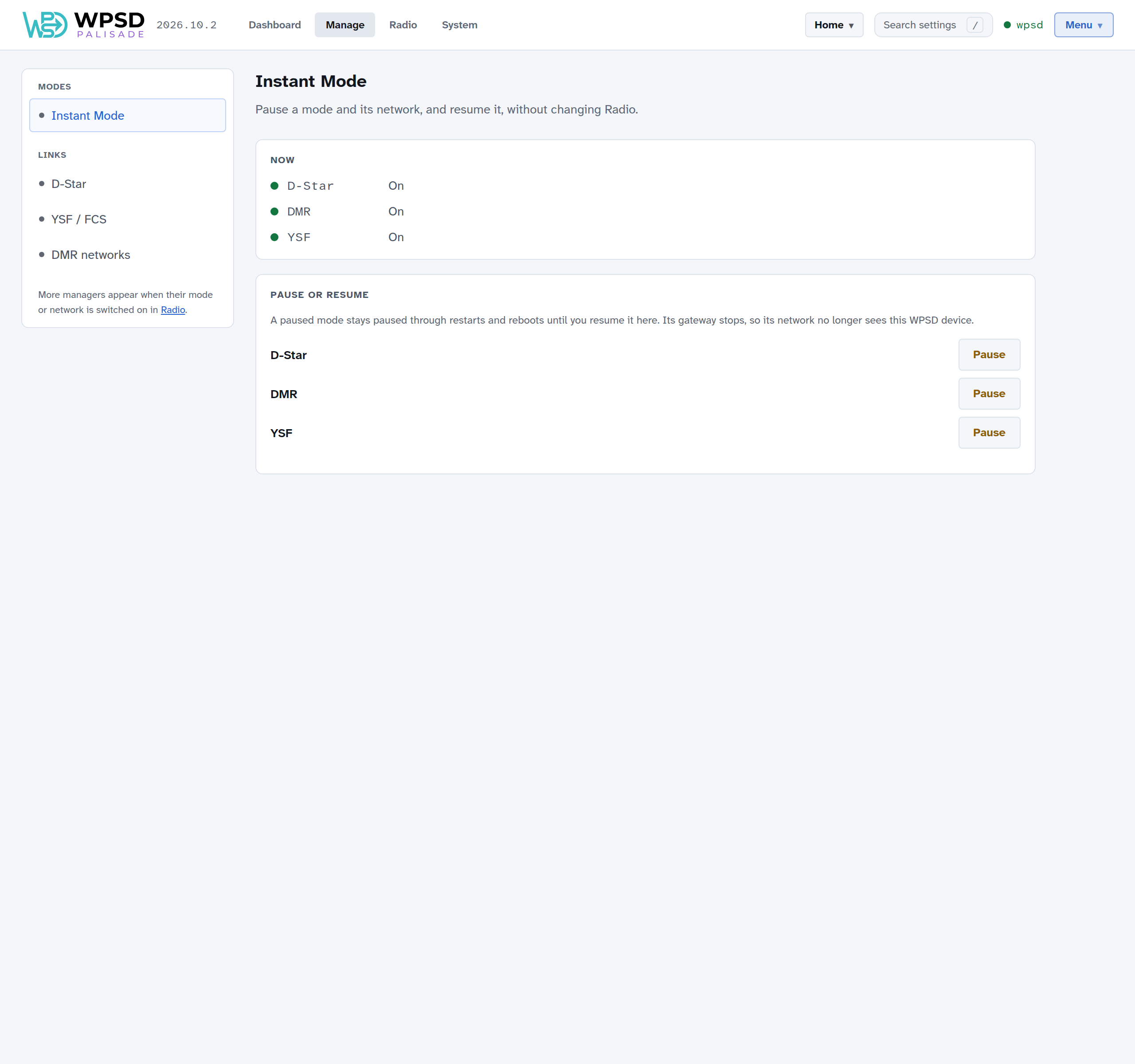
Instant Mode
Pause a mode and its network, and resume it, without changing Radio settings.
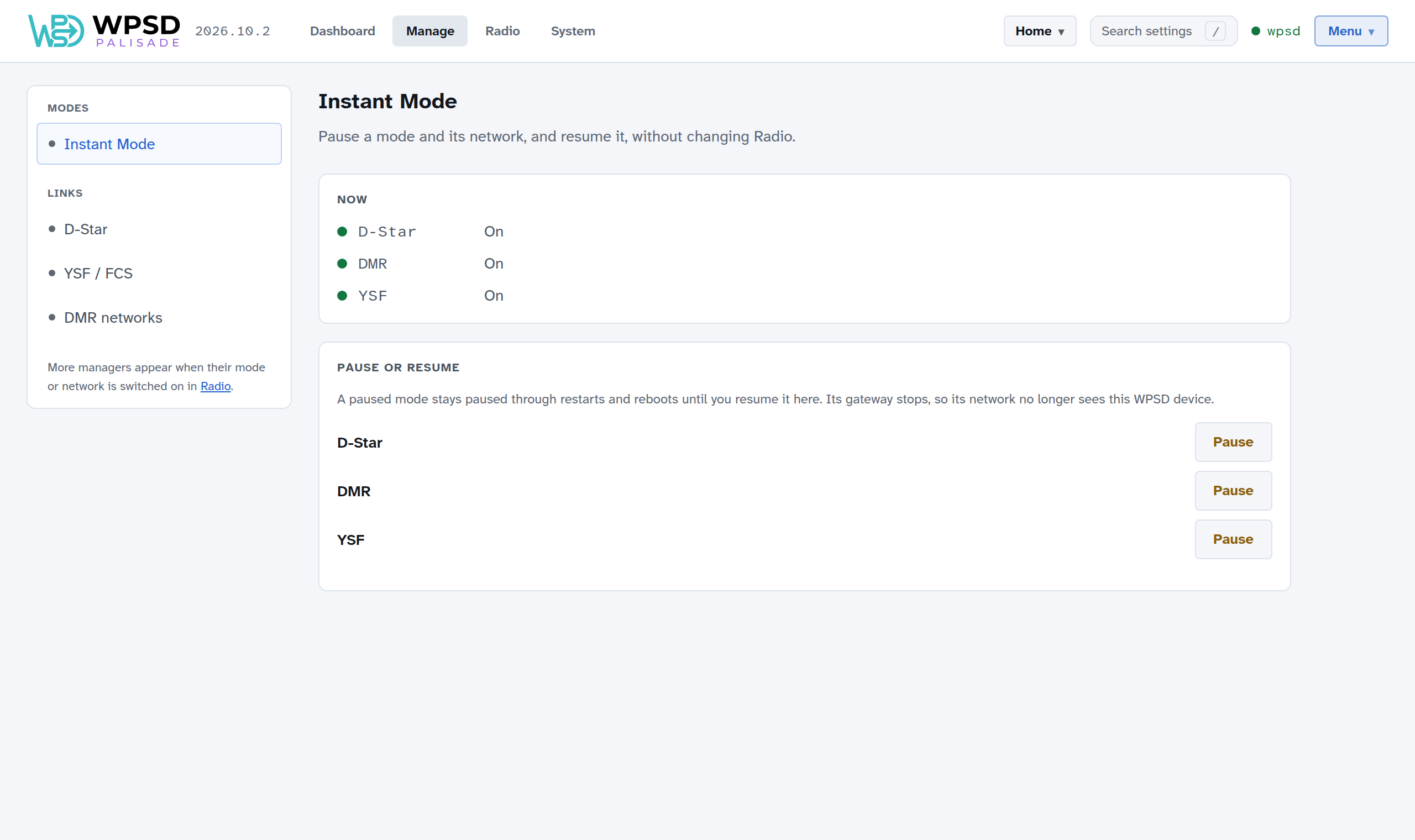
A paused mode stays paused through restarts and reboots until you resume it here. Its gateway stops, so its network no longer sees your WPSD device. Paused modes show as Paused on the dashboard.
Links
The link managers (D-Star, YSF / FCS, P25, NXDN and M17) link to a reflector, room or talkgroup, or unlink, now.
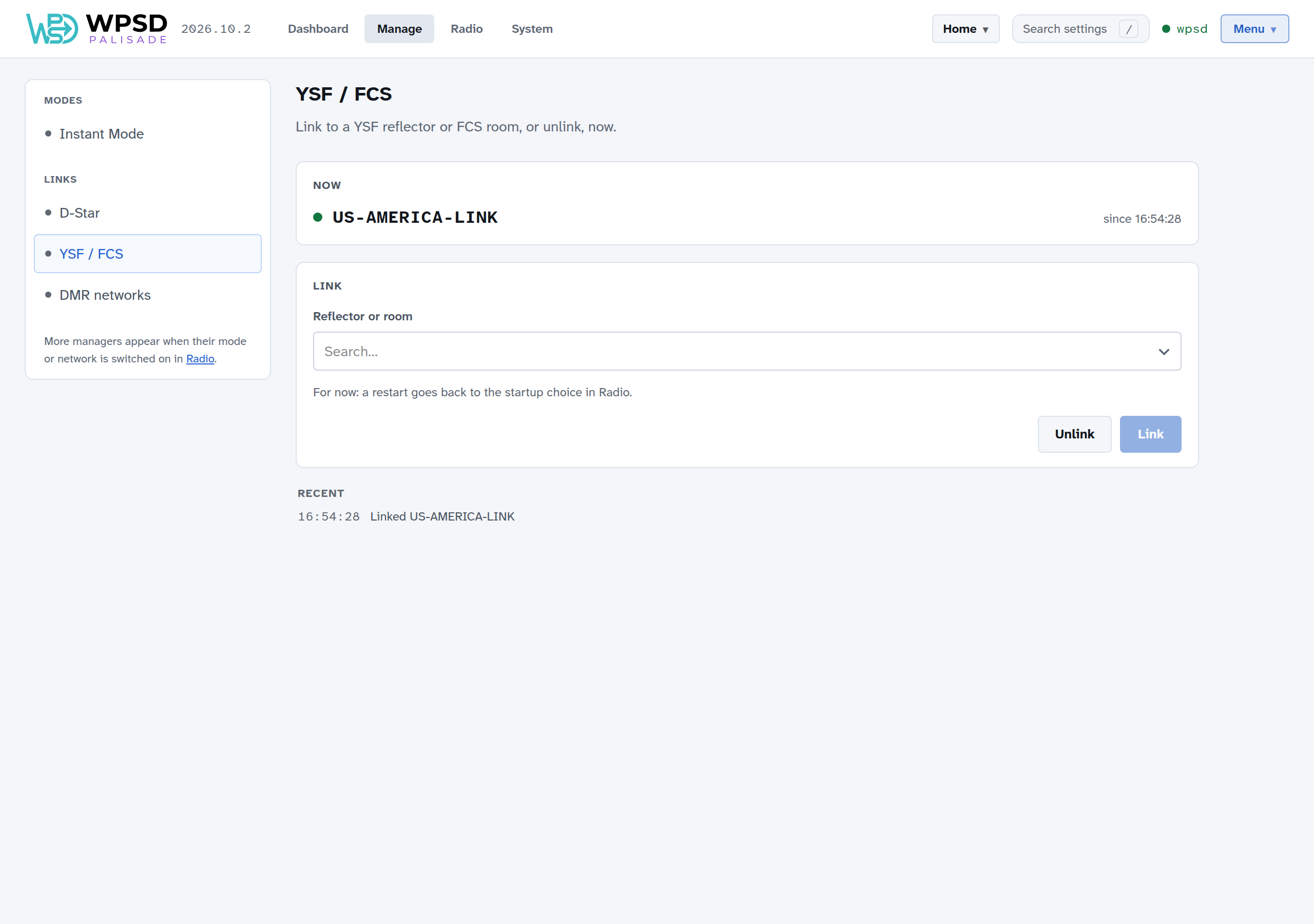
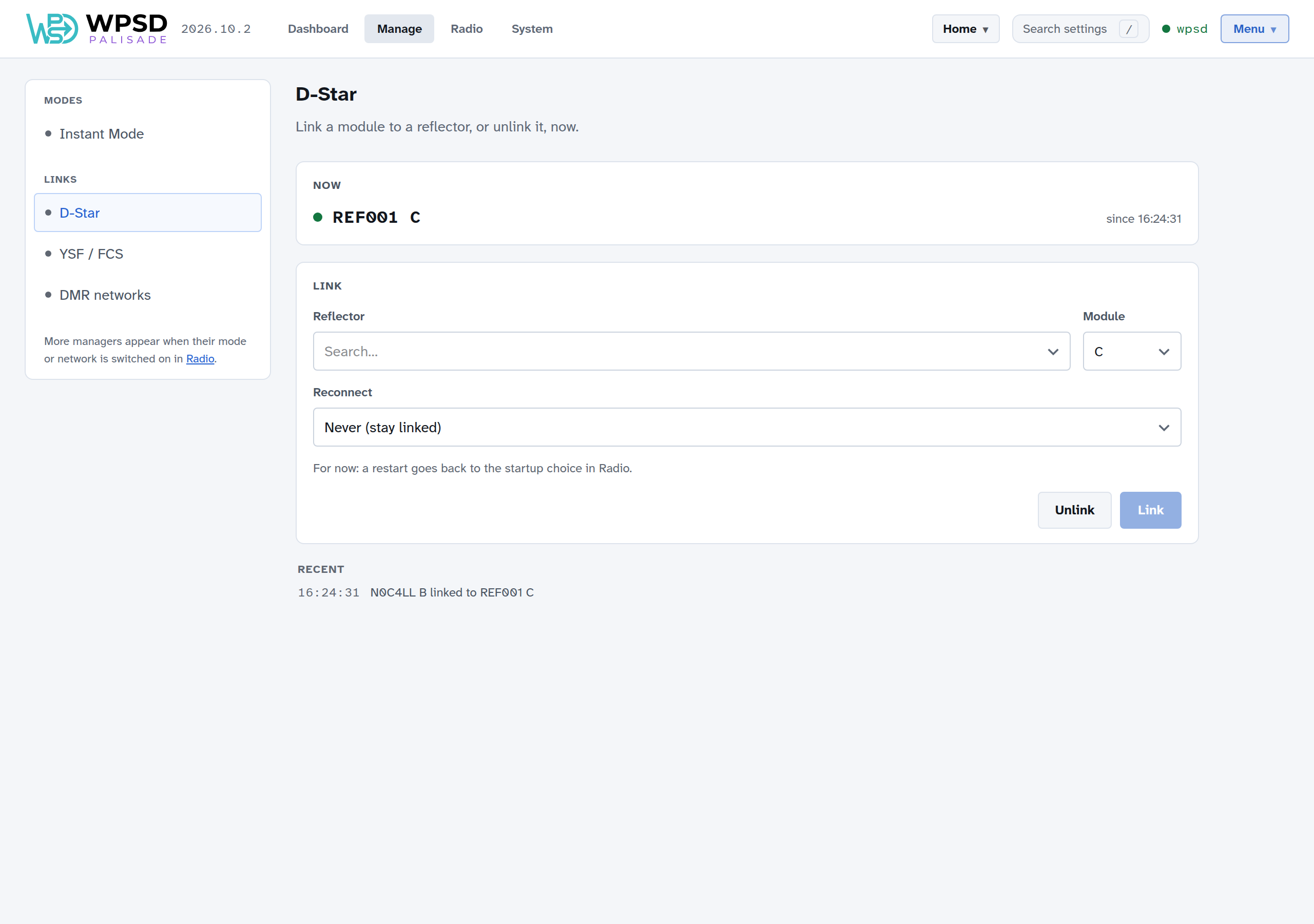
Choose a reflector from the list (type to search it), then Link; Unlink drops the link. A restart goes back to the startup choice set in Radio.
D-Star: choose the reflector and its module (the letter after it), and Reconnect: whether the WPSD device relinks by itself if the link drops, and after how long.
YSF / FCS: YSF reflectors, and FCS rooms if they’re switched on in Radio. With DG-ID routing on, the DG-IDs decide the links instead.
M17: the reflector and its module.
DMR networks
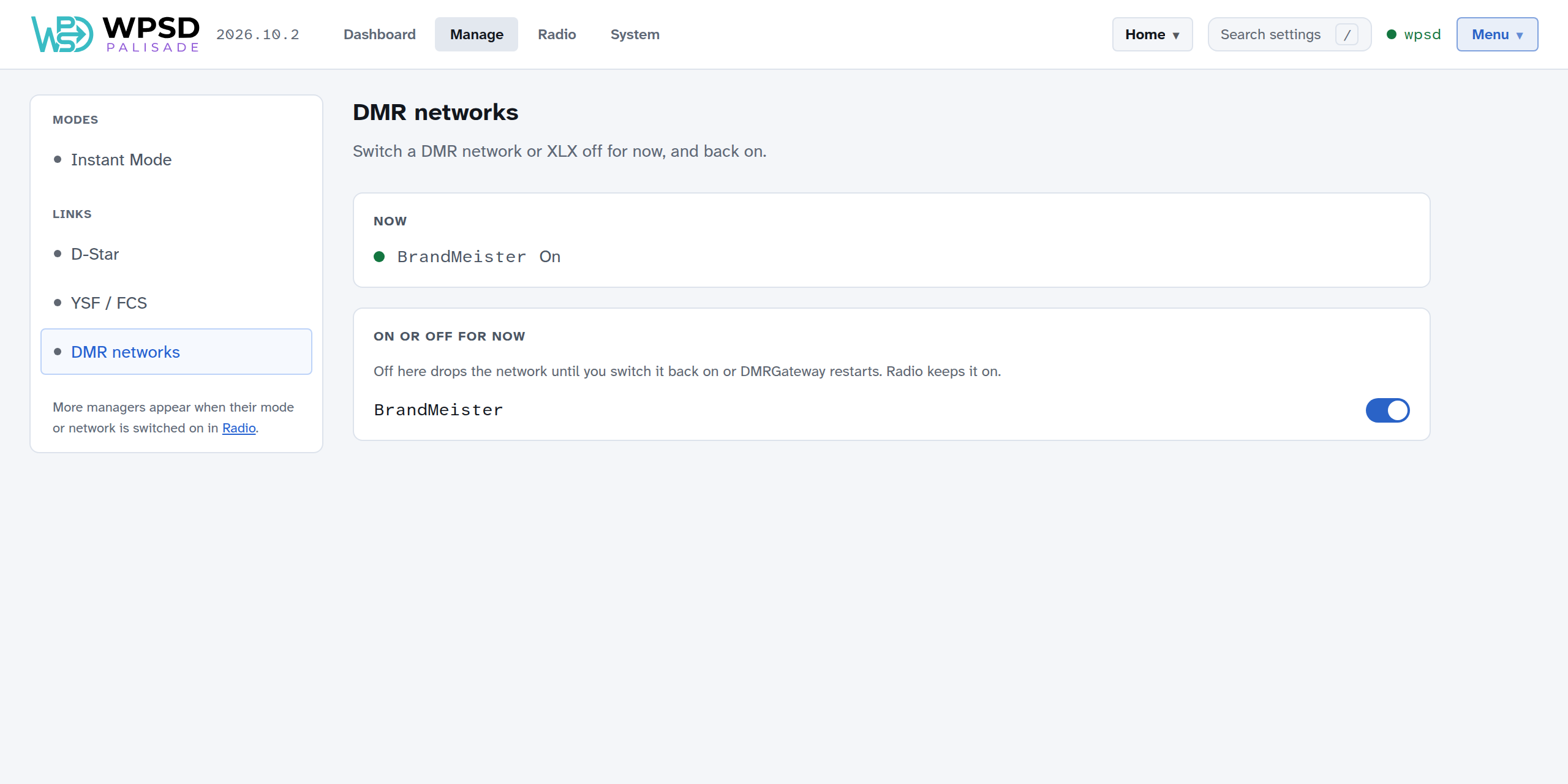
Switch a DMR network, or XLX, off for now, and back on. Off here drops the network until you switch it back on or its gateway restarts; Radio settings keep it on.
DMR talkgroups: BrandMeister, TGIF and SystemX
Each DMR network you use has its own talkgroup manager. It shows your WPSD device’s talkgroups on that network, per timeslot (just one on a simplex hotspot), and lets you change them.
Linked now: the dynamic talkgroup (linked because someone keyed up on it) and how long until the network drops it. Each time you key up on it, the time starts over. Drop unlinks it now.
Always linked (static): talkgroups that stay linked. Type a number or a name and choose Add; Add several at once… takes a pasted list; Remove and Remove all… take them off. On BrandMeister, a static talkgroup can be switched off without removing it, to keep it for later.
Drop current call ends the call on that timeslot.
Recently heard: talkgroups heard lately, to add with one click.
API keys
To change talkgroups, the manager needs your API key for that network. Choose API key and paste it.
BrandMeister: create one in BrandMeister’s SelfCare, under Profile > API Keys.
TGIF and SystemX: from your account on that network’s website.
Keys are checked with the network when you save them, and never shown again in full: only their last four characters. They’re kept on the WPSD device and stay the same for every profile.
Paging
With POCSAG on, Paging sends a page over the air from your WPSD device: choose a pager (or another RIC), the kind of page and the message, then Send page. Keep your pagers’ RICs under Saved pagers. With your DAPNET login added, you can also send messages Through DAPNET to pagers anywhere. See POCSAG and DAPNET.