Host Files
To list reflectors, masters and talkgroups, and to show who’s calling, your WPSD device keeps host files: the lists every gateway uses of reflectors and hosts, talkgroups, and radio IDs, for DMR, YSF, D-Star, P25 and NXDN. System > Host Files keeps them up to date.
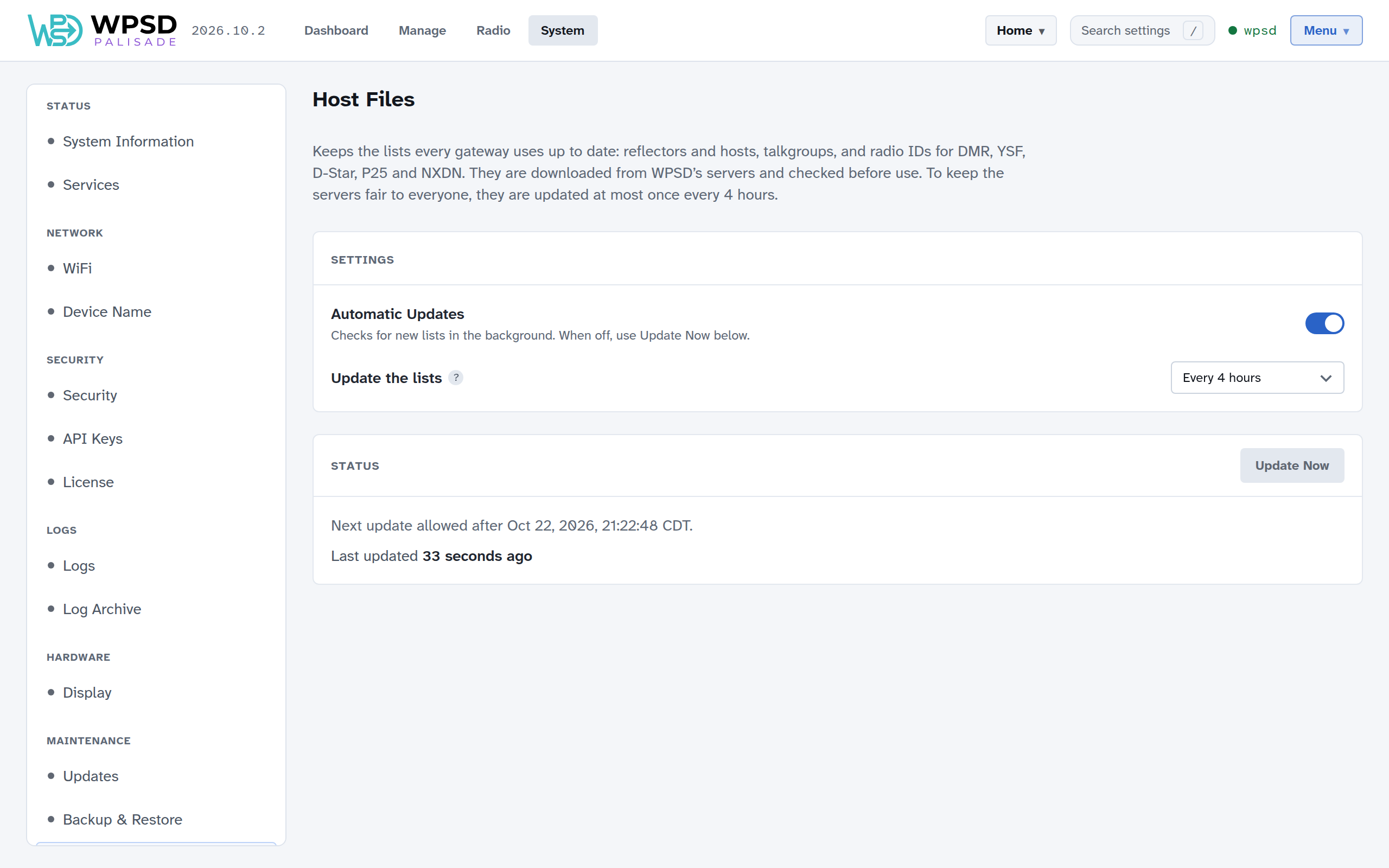
The lists are downloaded from WPSD’s servers and checked before use, so a damaged download never replaces a good list.
Automatic Updates: checks for new lists in the background. Leave it on.
Update the lists: how often. Every 4 hours is the most often allowed.
Update Now fetches new lists straight away, if the last update was more than 4 hours ago. The Status card says when the next update is allowed.
Note
To keep the servers fair to everyone, the lists are updated at most once every 4 hours, Update Now included. New lists every 4 hours are plenty: reflectors and talkgroups don’t change faster than that.
A reflector or master has gone from the list
The lists are checked regularly, and a reflector or master that doesn’t answer at that moment is left out until it’s reachable again. If yours has gone, it’s usually back within a few hours.
To use a server that’s never in the lists (a club master, a private reflector), add it yourself: see Custom Hosts and Talkgroup Names. Your own entries are kept separately, so updates never remove them.