Preferences
Preferences set how the dashboard looks and what it shows. Open them from Menu > Preferences, or from the Preferences link above Last Heard. There are four pages: Time, Units, Last Heard and This Browser.
Time, Units and Last Heard apply to the dashboard for everyone who views it. They’re part of your profile, so each profile can have its own, and switching profiles switches them too. This Browser’s settings are kept in your browser only, so each person viewing the dashboard can choose their own.
Settings without a Save button take effect as soon as you change them. A switch or choice shows a turning knob while its change is applied, and a message in the corner says when it’s done, or why it couldn’t be; a change that fails goes back to how it was.
Time
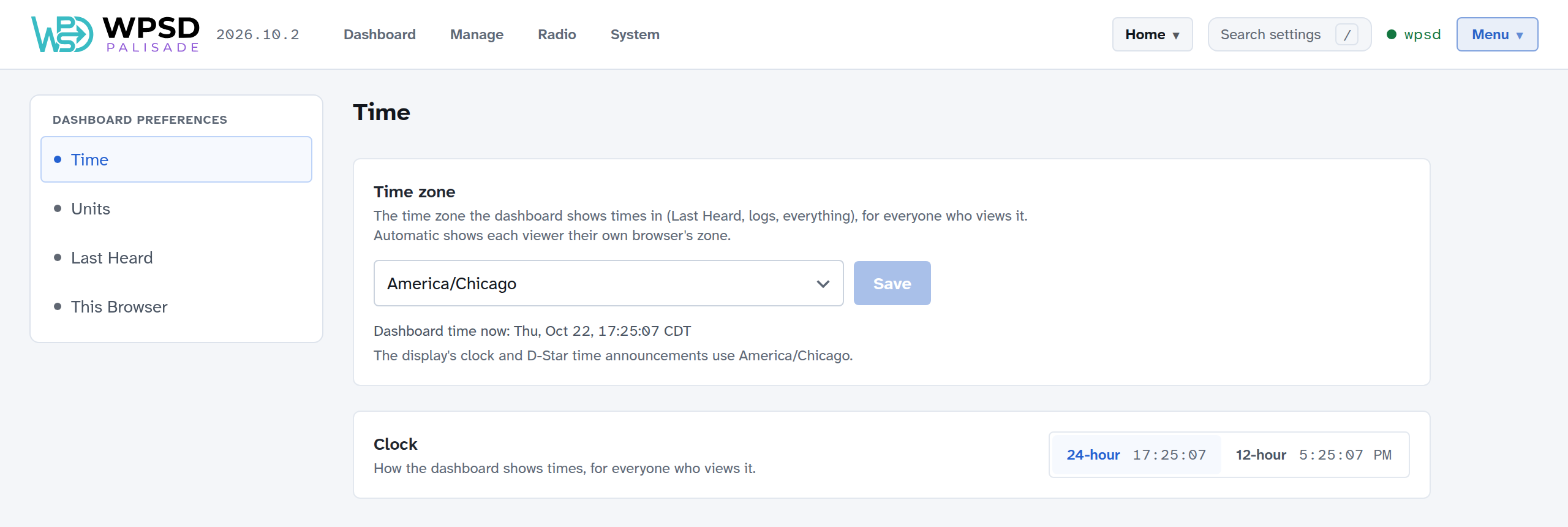
Time zone: the zone the dashboard shows every time in: Last Heard, history, logs, everything. Choose yours and Save. Automatic shows each viewer the zone of their own browser instead. The time zone is also used by a display’s clock, D-Star time announcements and the Profile Schedule.
Clock: 24-hour or 12-hour. Times you type, such as in the Profile Schedule, follow this too.
Note
Your WPSD device’s own clock always runs on UTC; the time zone only decides how times are shown.
Units
Temperature: °F or °C, for the temperatures the dashboard shows (such as the processor’s temperature on System > System Information, which has a quick °F/°C switch of its own).
Last Heard
What the Live panel and Last Heard show.
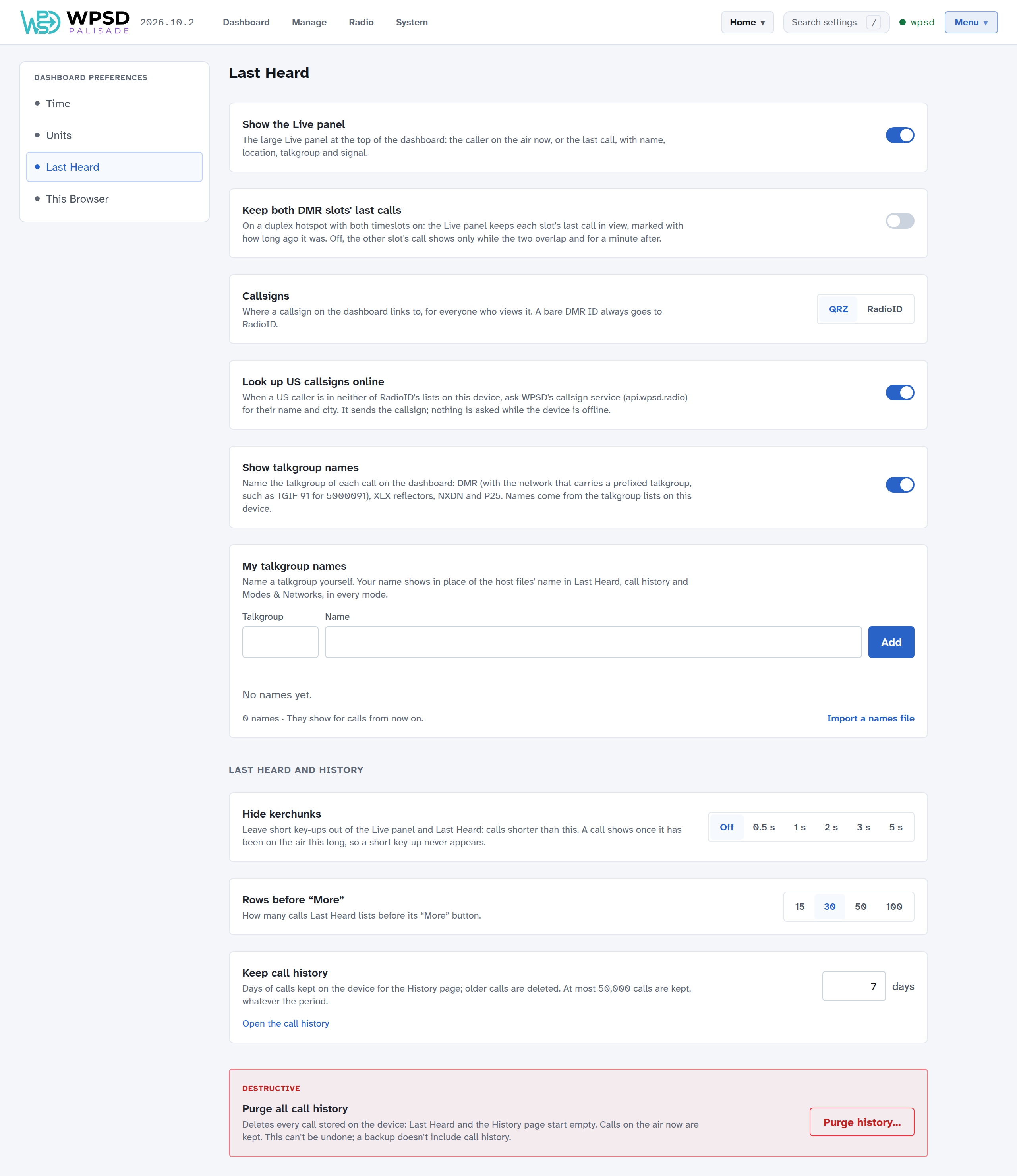
Show the Live panel: the large panel at the top of the dashboard. Turn it off for a list-only dashboard.
Keep both DMR slots’ last calls: on a duplex hotspot with both timeslots on, keeps each slot’s last call in the Live panel. Off, the second slot’s call shows only while both are on the air and for a minute after. (Shown only on hotspots that carry both timeslots.)
Callsigns: where a callsign links to, QRZ or RadioID. A DMR ID with no callsign always goes to RadioID.
Look up US callsigns online: for a US caller not in the WPSD device’s own lists, asks WPSD’s callsign service for their name and city. Only the callsign is sent.
Show talkgroup names: names each call’s talkgroup (DMR, XLX, NXDN and P25) from the lists on your WPSD device. A DMR talkgroup on another network shows that network too, such as TGIF 91 for 5000091.
My talkgroup names: name talkgroups yourself; your names replace the lists’ in Last Heard, history and Modes & Networks. Enter the talkgroup and a name and choose Add, or Import a names file.
Last Heard and History
Hide kerchunks: leaves out calls shorter than the time you choose (Off, or 0.5 to 5 seconds), in the Live panel and Last Heard.
Rows before “More”: how many calls Last Heard lists before its Show more button.
Keep call history: how many days of calls the WPSD device keeps for the History page (at most 50,000 calls, whatever the period). Open the call history goes there.
Purge all call history: deletes every call stored on the WPSD device. Calls on the air now are kept. This can’t be undone, and backups don’t include call history.
This Browser
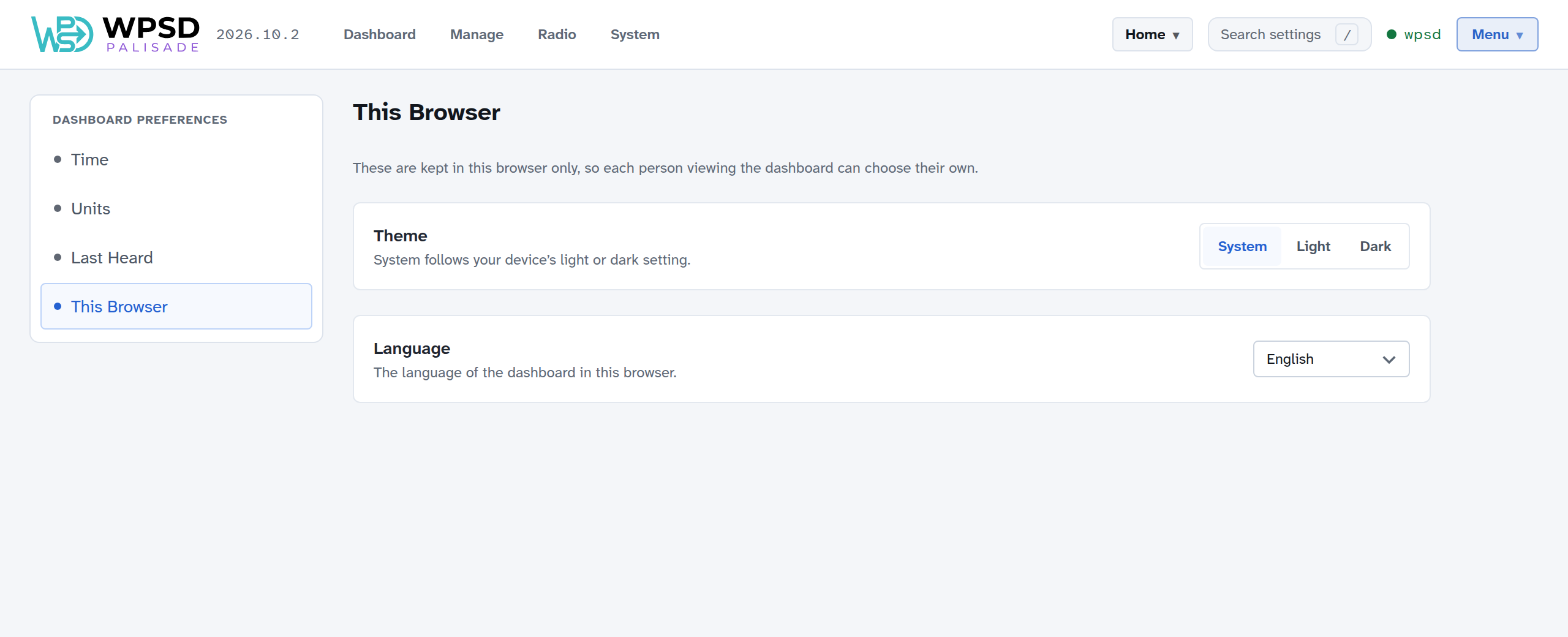
Theme: System follows your device’s light or dark setting; or choose Light or Dark.
Language: the dashboard’s language in this browser.