Restart and Shut Down
System > Reboot and Power Off restarts your WPSD device, or shuts it down safely before you unplug it. Either way, the running programs stop cleanly and the log archive is saved first.
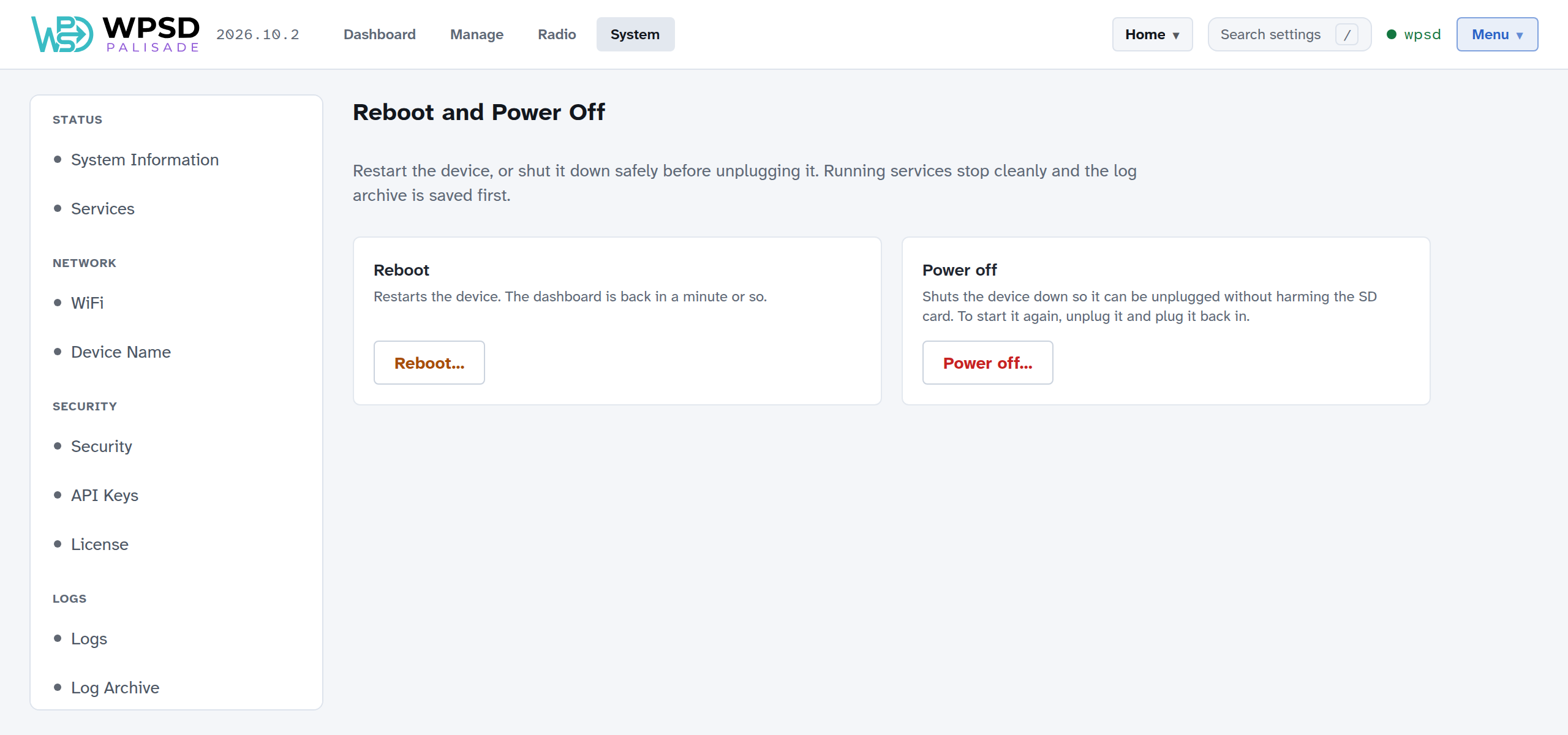
Reboot
Reboot…, then confirm: the WPSD device restarts and the dashboard is back in a minute or so. The page waits and reloads by itself when the WPSD device is back. If it takes more than 3 minutes, check the WPSD device’s power and network.
Power off
Power off…, then confirm. Wait until the green activity light on the Pi stops blinking (about 20 seconds), then unplug it.
To start it again, unplug it and plug it back in.
Warning
Always shut down from here before unplugging. Pulling the power while the WPSD device is running can damage the SD card, and loses logs since the last save.